 Vyrazíme
 on your computer
The whole app in your browser: events, chat and album on a big screen. Event details and chat side by side, and album photos downloaded all at once.
Planning is sometimes more comfortable at a computer: a big screen, a keyboard and more things in view at once. Vyrazíme in the browser does almost everything the phone app does, just laid out across the width.
On your computer you open vyrazime.app and sign in with the same account as on your phone, as the video shows. All your conversations are on the left, the event is in the middle with its chat next to it, and instead of tapping you use the mouse and keyboard.
What Vyrazíme does
- The whole app in the browser. The same account, the same events and the same four languages as on your phone.
- Left panel with conversations. Event chats, groups and private messages together, with search.
- Event details and chat side by side. In a wide window the event chat is pinned next to the details.
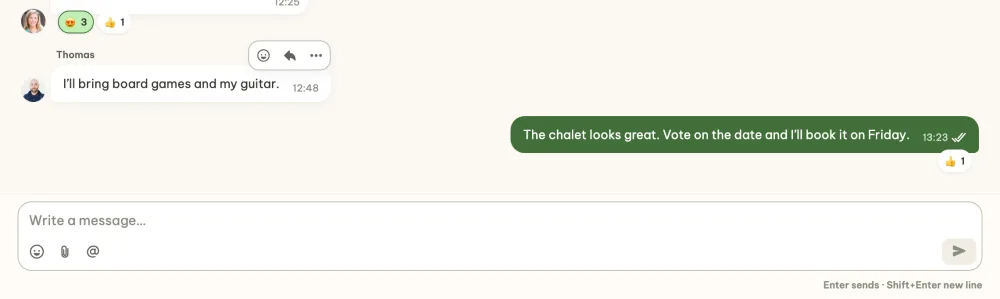
- Chat made for the keyboard. Enter sends a message, Shift+Enter adds a line and the paperclip adds a file.
- Mouse controls. Hovering, right-clicking and dragging do the same as swiping and holding your finger on the phone.
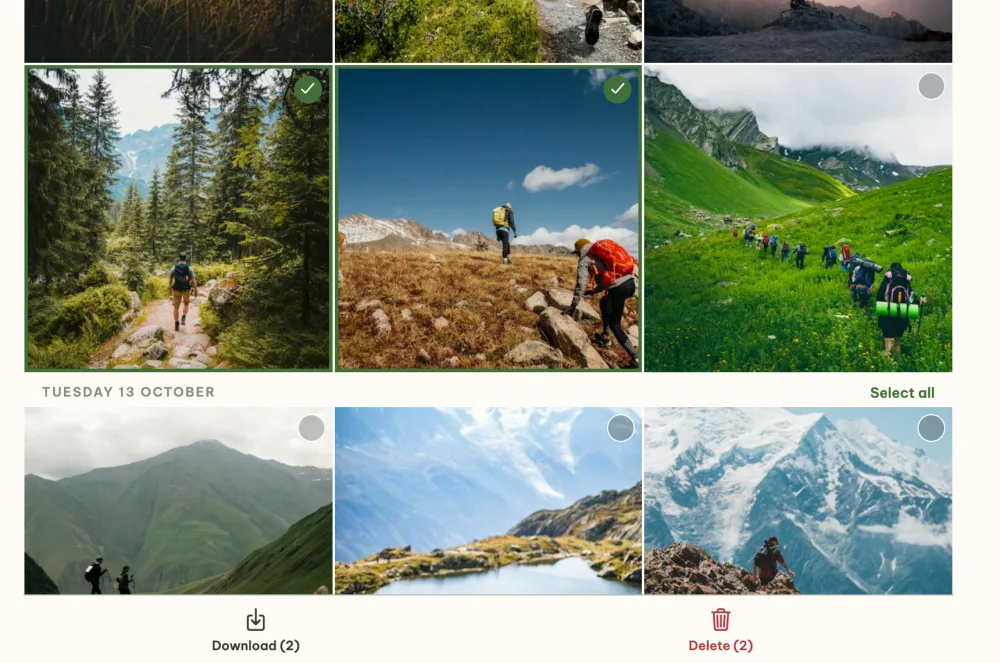
- Downloads. You download files and photos to your computer, several album photos at once as one ZIP.
Step by step
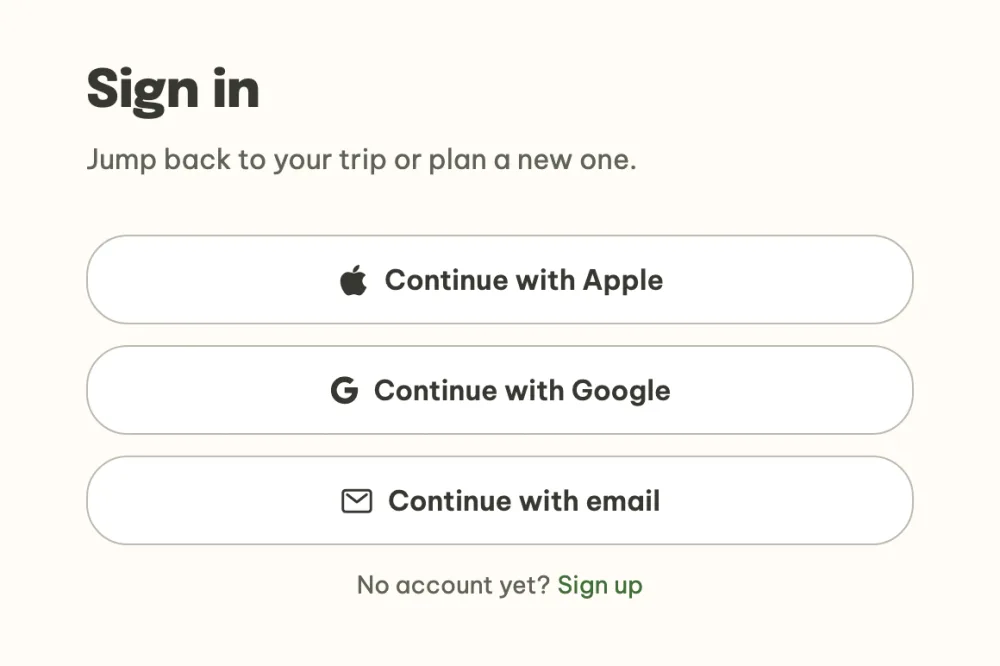
Sign in in the browser. Open vyrazime.app and click Create an event in the browser, or sign in. Continue with Apple, Google or email, where a six-digit code arrives. With the same address you are in the same account as on your phone.
Browse your events. On a computer the event list has large cards with a photo, date and place. At the top you filter All, Leaving soon, Planning and Memories, orange pills show where your vote is awaited and unread messages have a red badge. You can also open an event in a new tab with Cmd or Ctrl and a click.

Keep your conversations at hand. The left panel lists all your conversations, newest first: event chats, groups and private messages, with the number of unread ones. Search finds a conversation or a friend you haven't messaged yet, and the plus next to it starts a new chat or group. My events takes you back to the event list and your profile with settings is at the bottom.

Open an event with the chat next to it. The event details are in the middle and in a wide enough window the event chat is pinned on the right, so you read and write without leaving the details. In a narrower window the chat sits behind the button at the bottom right, as on your phone.

Type as on a keyboard. Enter sends the message and Shift+Enter adds a new line. Below the text field you insert emoji, the paperclip adds a photo or file from your computer and the at sign mentions a friend. You can also paste an image with Ctrl or Cmd and V. Hovering over a message shows a bar with a reaction, reply and more actions, and a right-click opens the full message menu.
Download photos and files. Where the phone has sharing, the computer has Download. In the Memories album click Select, mark the photos and Download saves them as one ZIP. The photos in it have the date and time they were taken in their names, so they sort the same way as in the album.
FAQ
Do I need a different account for the computer?
No. Sign in with the same email, or with Apple or Google as on your phone, and you will see the same events, chats and friends.
What works differently on a computer?
Instead of swiping, you hover the mouse over a row and the same buttons slide out at the right edge. Instead of holding your finger on a message, you right-click. You reorder tasks and the packing list by dragging with the mouse, move through place and accommodation suggestions with the arrows and close windows with the Esc key too. You can't take photos on the computer, you pick them from your files.
How do I hear about what's new on my computer?
Phone notifications come from the mobile app. On the computer, email notifications keep you up to date, such as event invitations and a summary of missed messages, and the left panel shows unread messages for each conversation.
How do I invite friends from my computer?
The same way as on your phone: send them the link to the event, or a personal invitation by email. Picking from contacts and SMS are in the mobile app. The whole process is in the guide How to invite friends to an event with one link.