 Vyrazíme
How to create an event and repeat it next year
A name, a photo, a date and your friends, and the event is ready. To meet up again next year, duplicate last year's event with the same friends.
All an event needs is a name, the rest you fill in together.
While creating it, you pick a cover photo, decide whether you choose the date and place yourself or vote on them, and invite your friends, as the video shows. A year later you duplicate last year's event with the whole group.

What Vyrazíme does
- A name is enough. You can create the event as soon as it has a name. Add the date, place and friends straight away or later.
- Cover photo. Take one, pick one from your gallery or from the ready-made images, or find one in the photo search under More….
- Date and place right away, or by vote. Choose them yourself, or turn on voting and pick them together.
- Friends from the start. On your phone you pick them from your friends list and the invitations go out as soon as you create the event.
- Several organizers. In the event settings you add organizers who run the event with you.
- Duplicating an event. Turn last year's event into a new one with the same photo, name, place and friends.
- An event from a group chat. From a group you plan an event with its members straight away and can move the chat into it.
Step by step
Create the event and name it. In the list of events tap the green plus at the bottom right, on a computer tap New event. Fill in the name, the only required field, and a few words of description. On your phone you create the event in steps What, When, Where and Who, in the browser it is all one form. The Create event button works as soon as the event has a name.
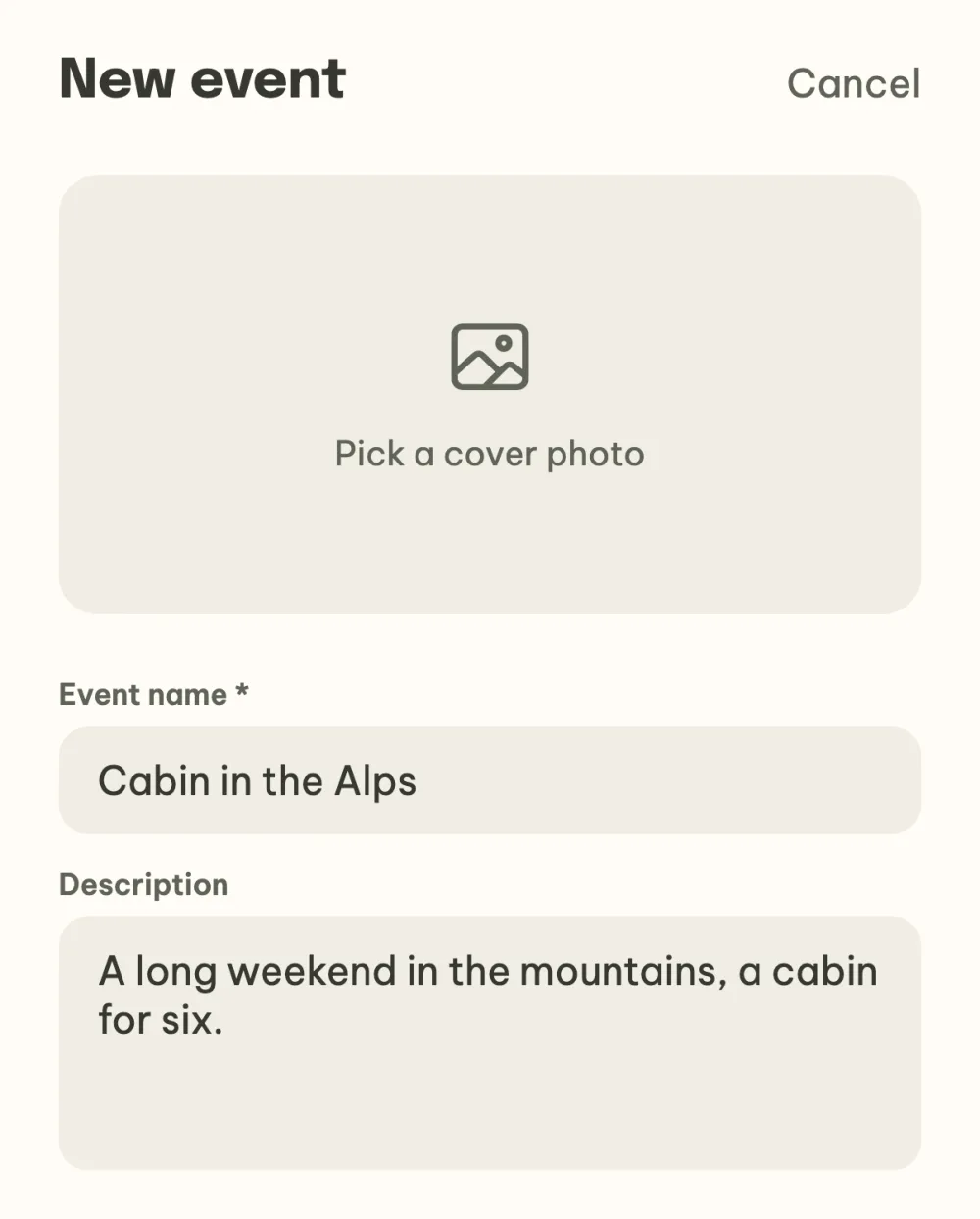
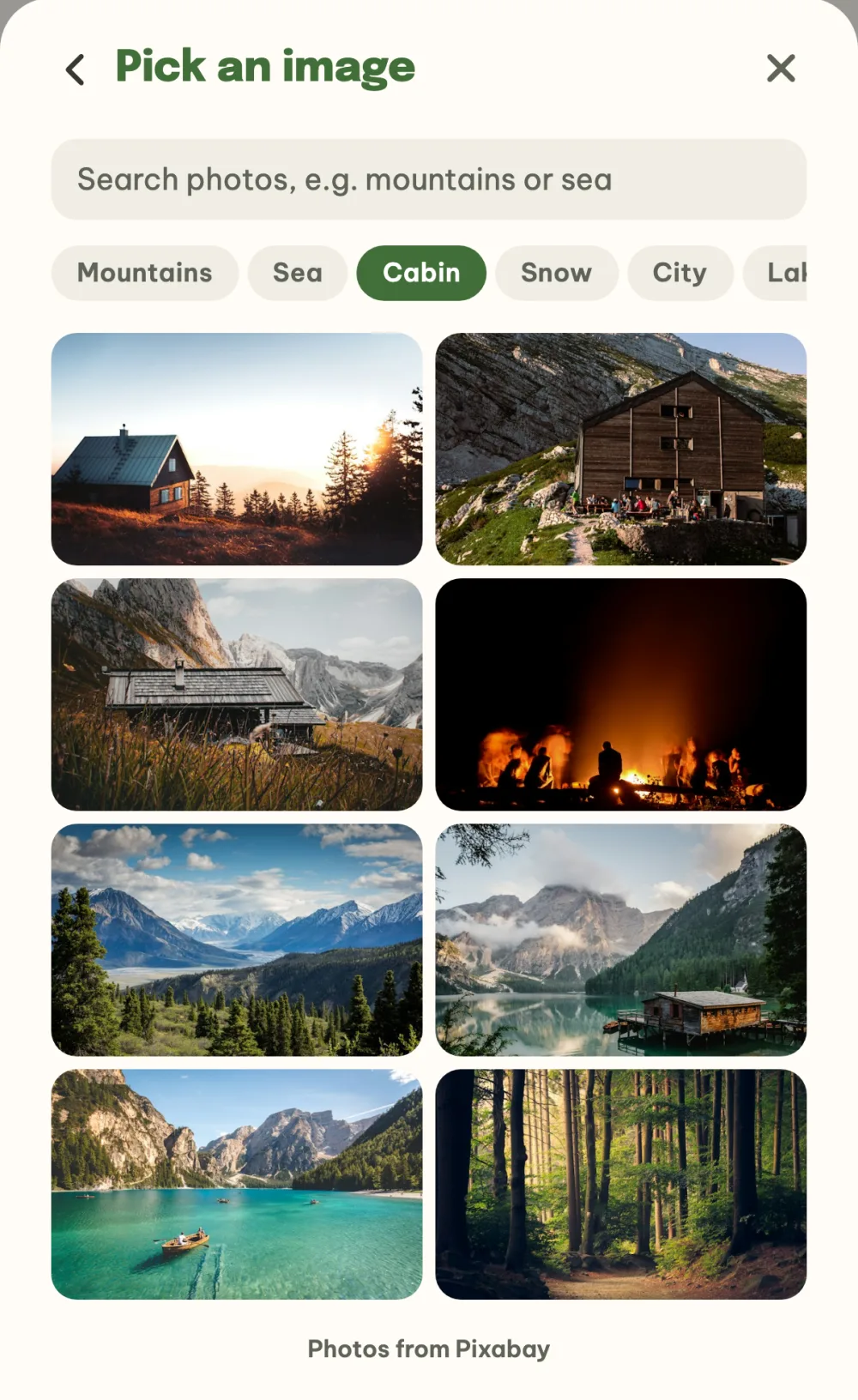
Pick a cover photo. Tap the photo preview at the top. Take a photo, pick one from your gallery or from the ready-made images. Under More… there is a photo search: type what you are looking for, or tap a quick option such as Mountains, Sea or Cabin and pick a photo you like.
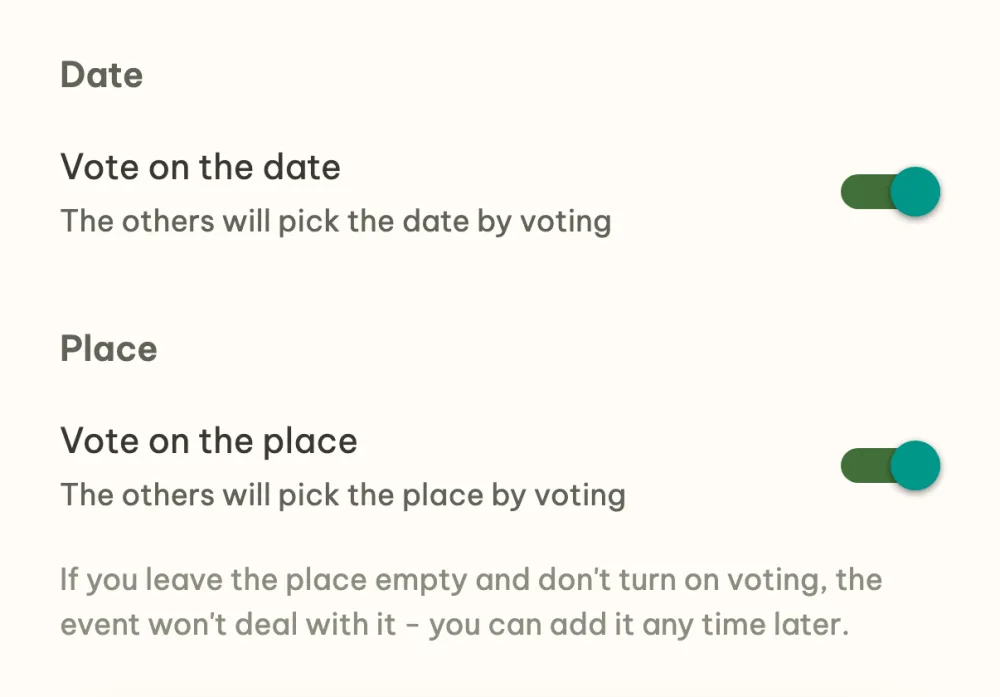
Decide how you choose the date and place. Pick the date straight in the calendar, for a one-day event with a meeting time too. If you want to choose it together, turn on Vote on the date. Type the place into the field with suggestions, or turn on Vote on the place. Whatever you fill in is confirmed right away. If you leave the place empty and don't turn on voting, the event won't deal with it and you can add it any time later.
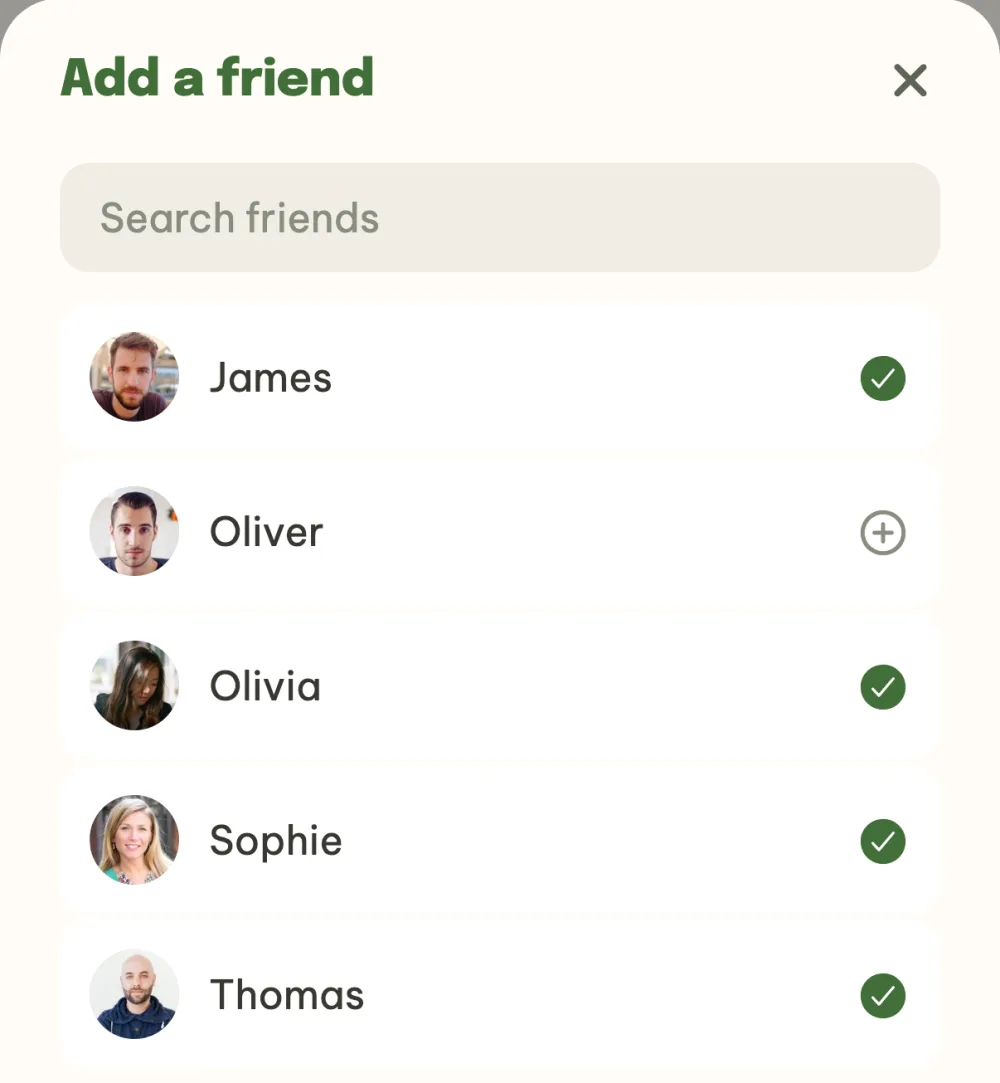
Add your friends. On your phone, creating an event has a Who step: the Add a friend button opens your friends list and you pick them with a tap. The invitations go out once you create the event. You can also invite friends any time later from the finished event, as the guide How to invite friends to an event with one link explains.
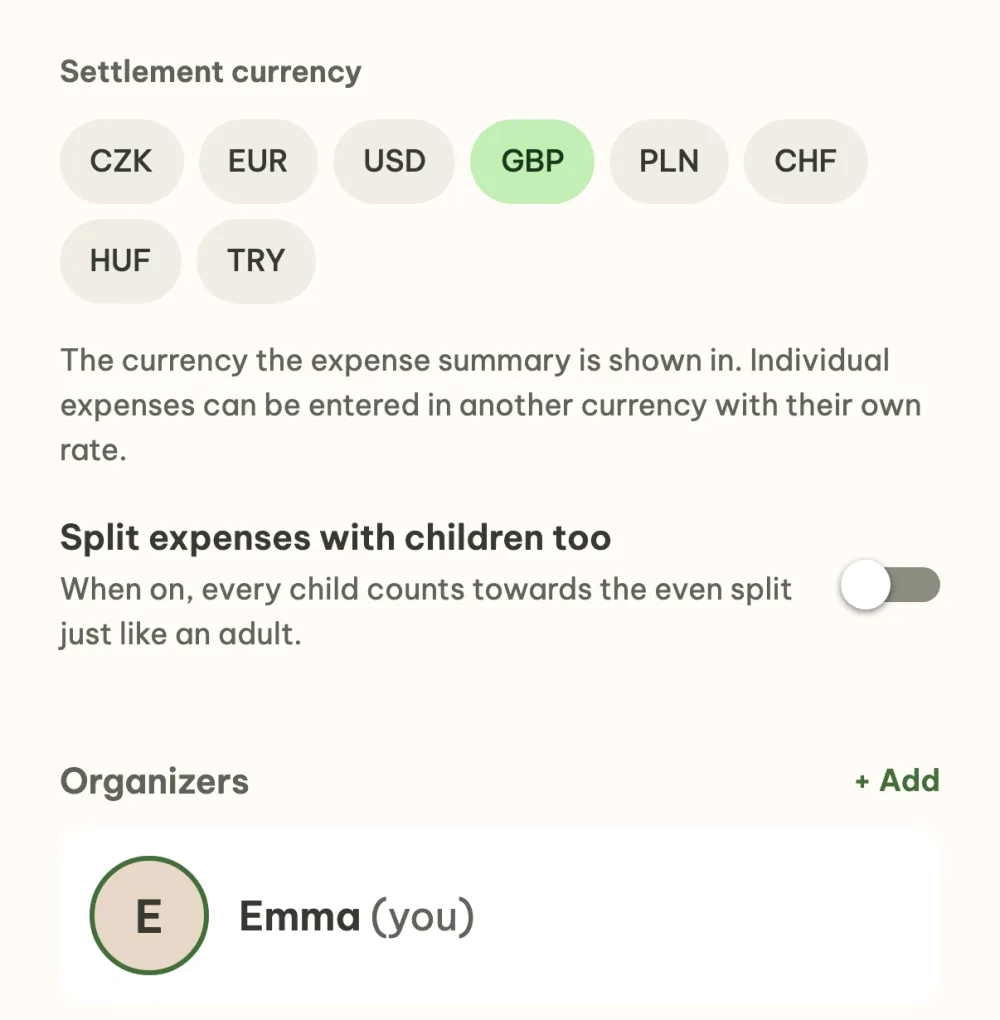
Change the event in the settings. Once the event is created, you are the organizer and the app takes you to the event details. The menu under the three dots at the top right has Event settings: there you change the name, description, photo and settlement currency, and in the Organizers section you use + Add to make another friend from the event an organizer. Save your changes with the Save changes button or the tick at the top right.
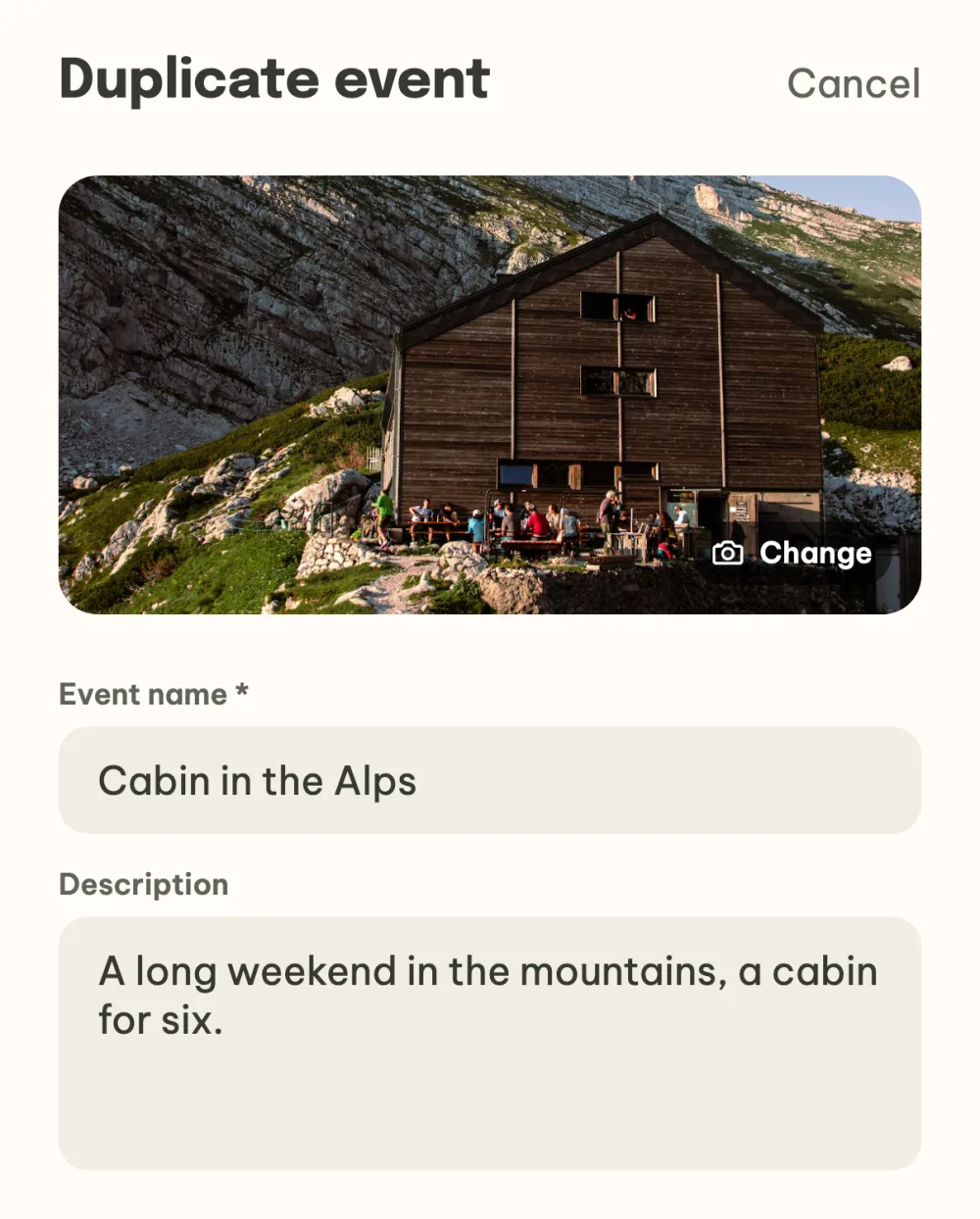
Repeat the event next year. Open last year's event and choose Duplicate event in the menu under the three dots. A new event opens with the photo, name, description, place and friends from the original, and you pick the date and accommodation again. Before creating it you can change anything or add more friends, and the invitations go out once you create the event.
FAQ
Do I have to fill in the date and place straight away?
No. You can create the event with just a name and fill in the date and place later. You can add the place and accommodation any time in the event details from the What's next? panel, and the date is always part of the event.
Can I create an event from a group chat?
Yes. In the group, choose Plan a trip in the menu under the three dots. The members of the group are already among the invited, and the Move the chat into the event switch lets you decide whether the group's messages move to the new event's chat or the group stays alongside it.
Who can edit the event?
The organizers. Whoever creates the event is an organizer, and in the event settings you add another one in the Organizers section. The app offers friends who already have an account and are in the event.
How do I cancel an event?
Until the event has started, the menu under the three dots in the event details has Cancel event. You choose whether to just cancel the event, which then stays read-only among the cancelled events, or to delete it straight away. Everyone invited gets a message that it is cancelled.
What happens to an event once it is over?
It stays in the list under Memories with its album and settlement, so you can come back to it or duplicate it any time. The organizer can tidy it away into the archive in the settings with Archive event.