 Vyrazíme
How to choose where to go with friends
Everyone suggests a place with a map, the others give it a thumbs up and the organizer confirms where you are going. From first idea to directions.
When it comes to where to go, each of your friends has their own idea. Choosing is easiest when the ideas sit side by side with a map and you can see who likes what.
In Vyrazíme anyone in the event suggests a place and the app shows it on a map, as the video shows. The others give it a thumbs up or down and the organizer confirms the winner. You then find the confirmed place in the event details, with a map and directions.

What Vyrazíme does
- Suggestions from anyone in the event. A town, a region or a specific spot, with a photo and a note on why it should be there.
- Place search with a map. As you type the name, the app offers places from the map and shows a preview on the map once you pick one.
- Thumbs up voting. On each suggestion you give a thumbs up or down, and the leading suggestion has a trophy. In the details you see who wants it, who doesn't and who hasn't voted yet.
- Details with a map. You open the map full screen, and the Open in Maps button shows the place in your navigation app.
- Confirming the final place. The organizer picks a suggestion, checks it on the map and confirms it. The app announces the place to everyone in the event.
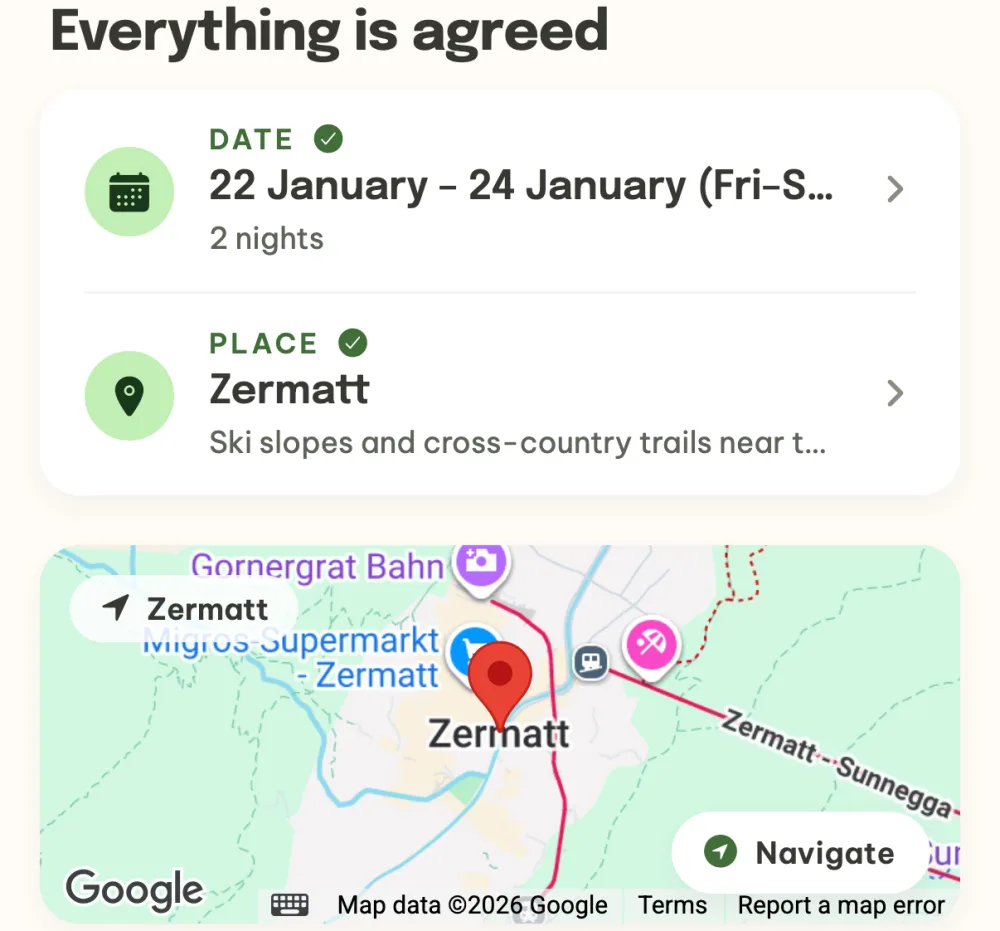
- The place in the event details. The confirmed place shows up in the event header, among the agreed things and on a map with the Navigate button.
- A place confirmed right away. If you have already chosen, the organizer confirms the place straight away with the first suggestion and skips the vote.
Step by step
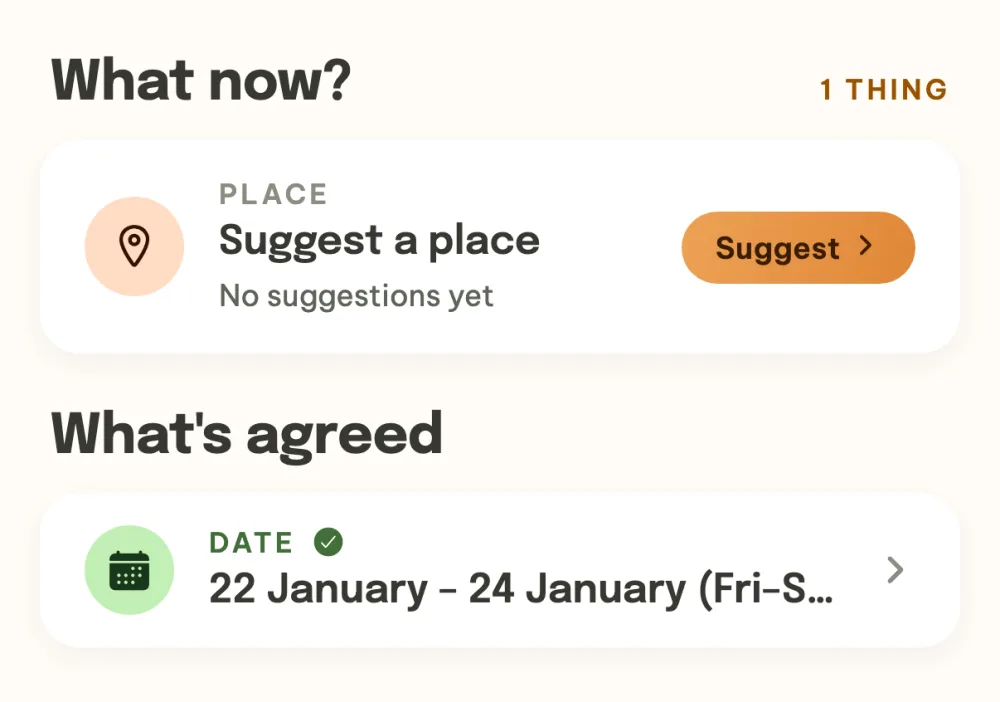
Open the place in your event. When the event is looking for a place, the Suggest a place row waits in the What now? section of the event details. Tap Suggest. If the event isn't dealing with the place yet, you add it in the What's next? panel.
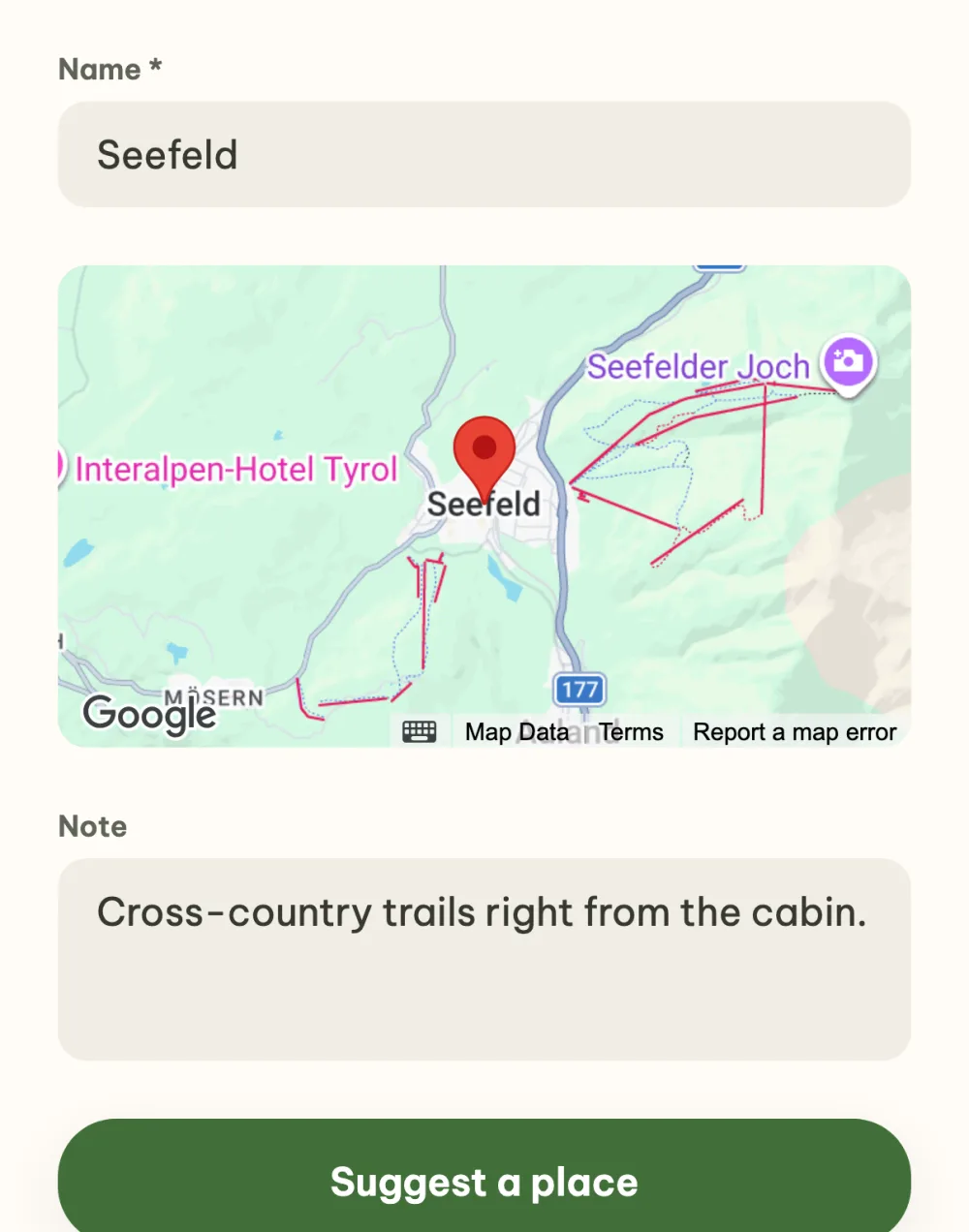
Suggest a place. Start typing in the Name field and pick a place from the suggestions, and the app shows a map preview below it. In the note, write why you'd go there, and at the top you can add a photo of the place too. Save the suggestion with the Suggest a place button.
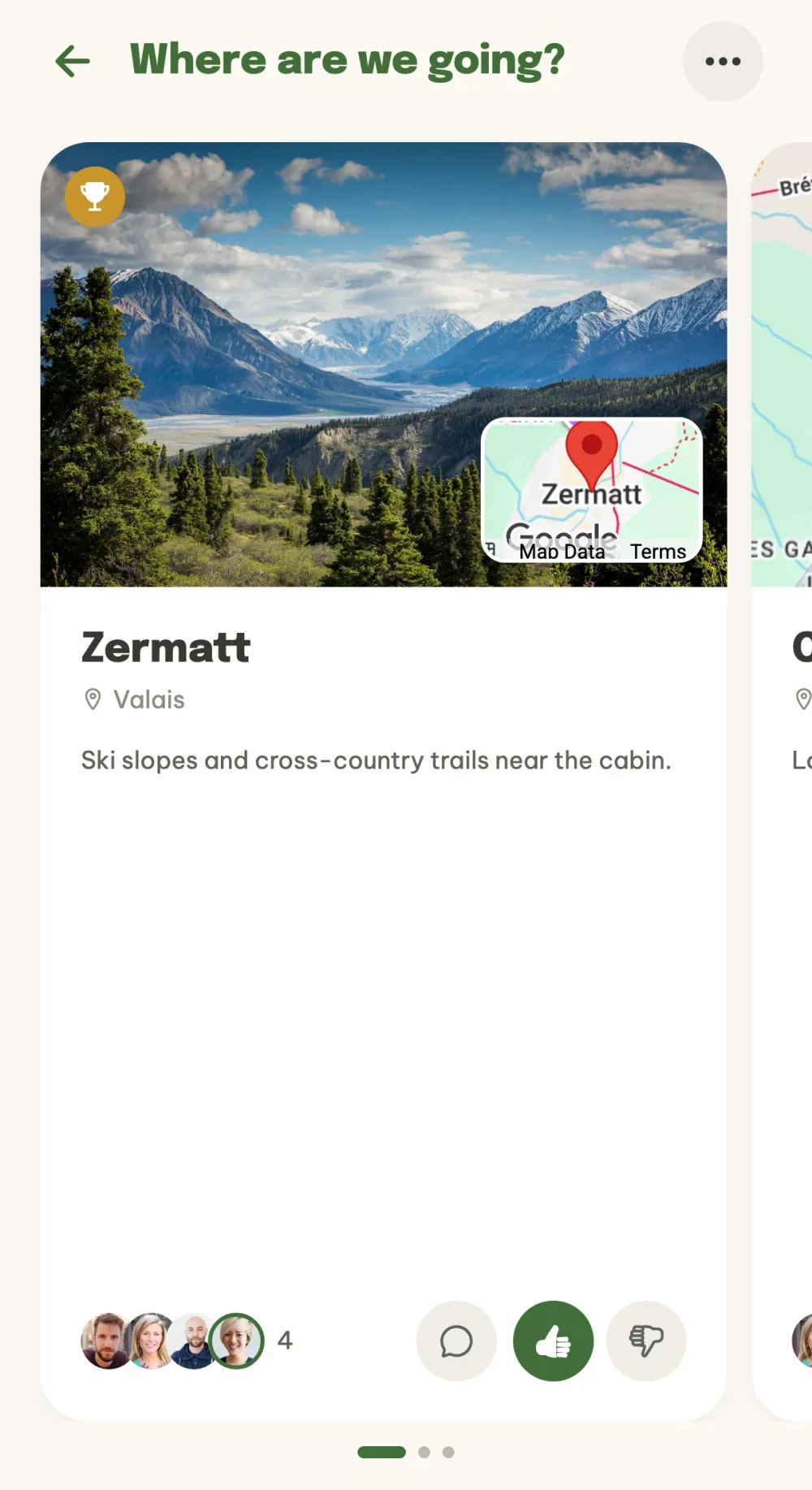
Vote thumbs up or down. On the Where are we going? screen the suggestions are large cards with a photo or a map. Swipe sideways between the cards and use the thumbs to show whether you want to go there. The leading suggestion has a trophy in the corner, and the last card, Suggest a place, is for another idea.
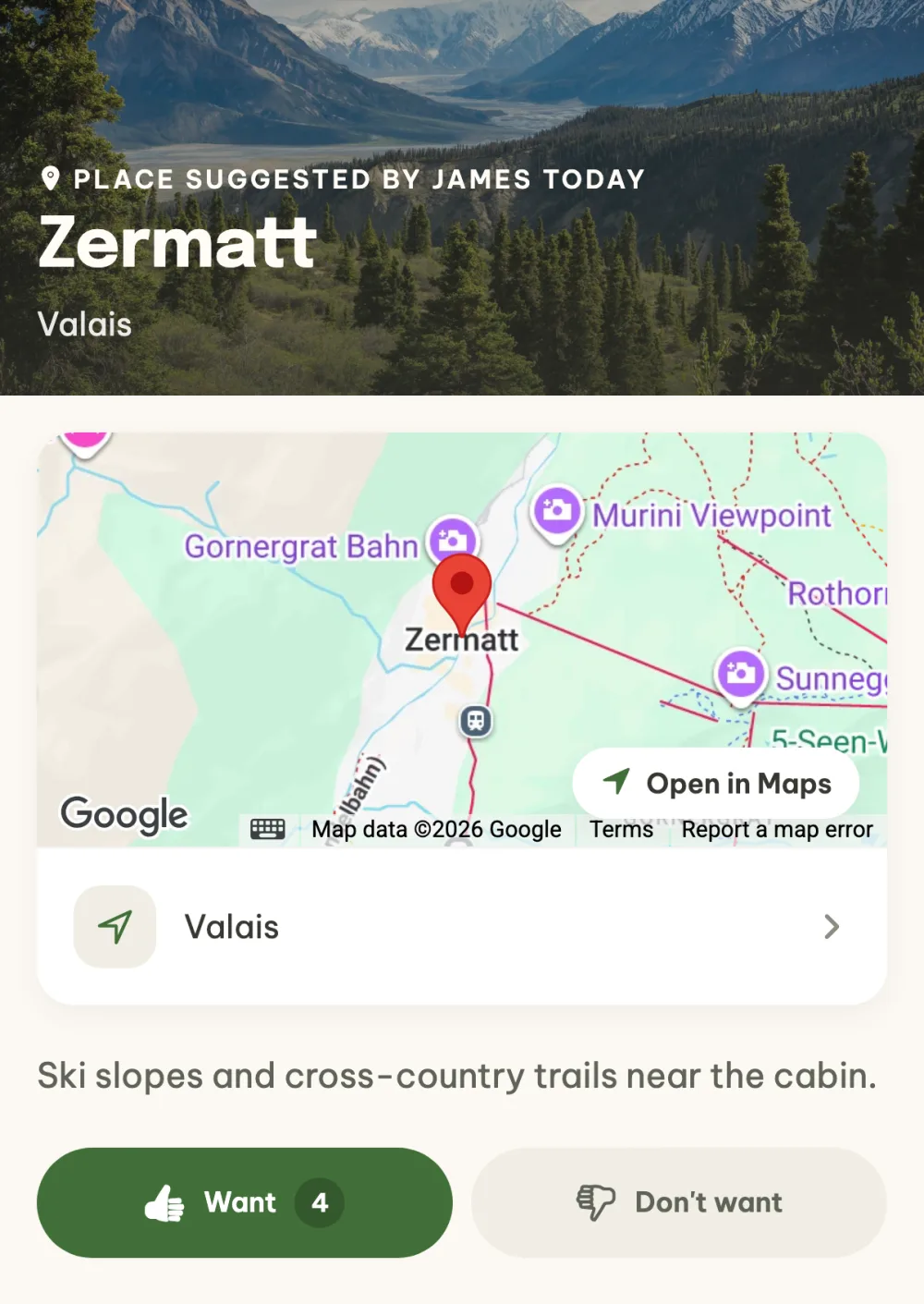
Look at the place details. Tap a card to open the details with a map and the note. The Open in Maps button shows the place in your navigation app, and below the Want and Don't want buttons you see who voted how and who hasn't voted yet.
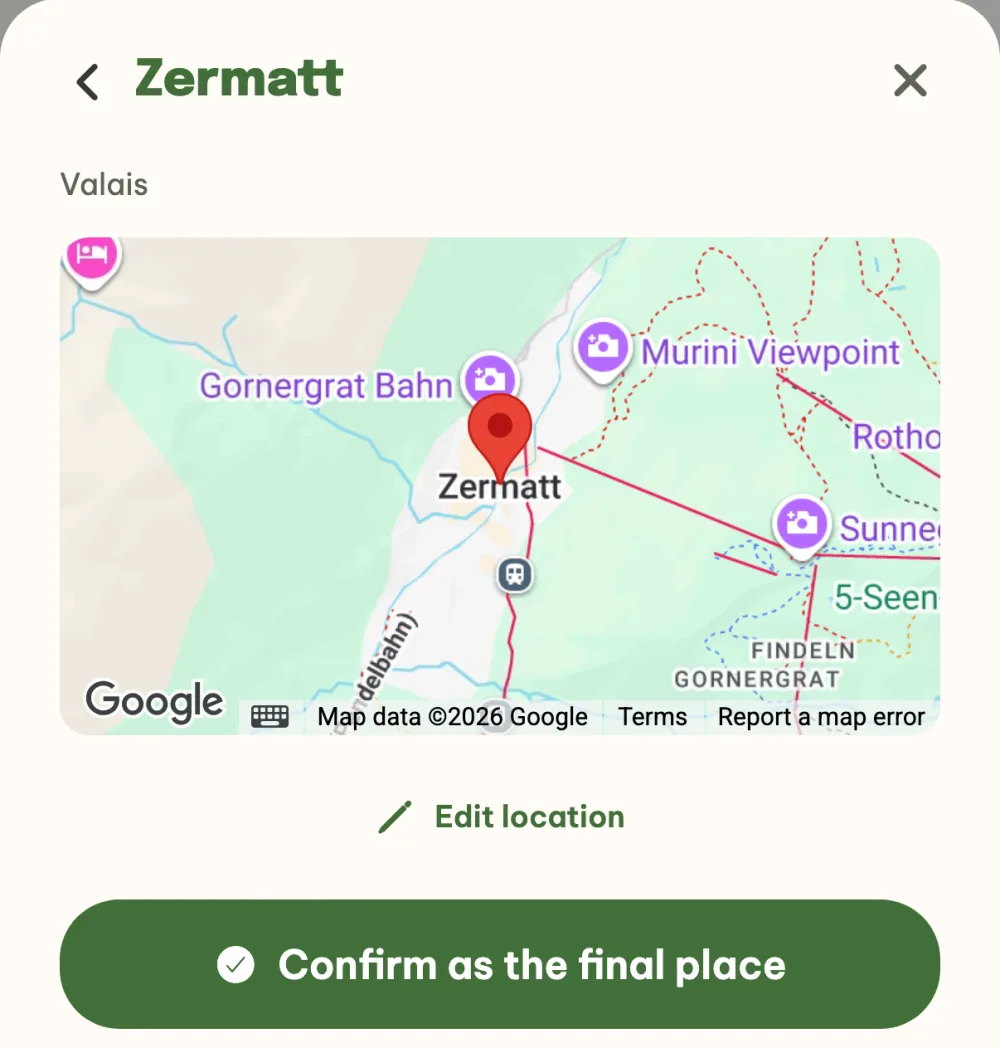
Confirm the final place. As the organizer, tap Pick the final place at the bottom and choose a suggestion, each one shows its number of votes. The app shows it on the map, and if it looks right, you confirm it with the Confirm as the final place button. The place is announced to everyone in the event.
Find the place in the event details. The confirmed place is in the event details among the agreed things, and below them on a map with the Navigate button. If the date is agreed too, the event switches to Leaving soon and the header counts down to departure.
FAQ
Who can suggest a place?
Anyone in the event. They add a suggestion on the Where are we going? screen with the last card, Suggest a place. The organizer then picks the final place.
What if we already know where we are going?
The organizer enters the place right away. With the very first suggestion, the form has the Confirm the place right away button, which saves the suggestion as final and skips the vote. You can also fill in the place when you create the event.
Can the confirmed place be changed?
Yes. In the details of the confirmed place, the organizer chooses Reopen voting in the menu under the three dots and you vote on the place again.
Does the event have to deal with a place?
No. If you don't fill in the place or turn on voting when you create the event, the event leaves it out, and you can add it any time later in the What's next? panel. The organizer can also cancel the place vote on the Where are we going? screen in the menu under the three dots.
We're going to several places, does that work too?
For a trip with several stops there is the itinerary. The organizer turns it on in What's next? and you then plan the journey, the nights and the trips day by day.